 Dali Marketers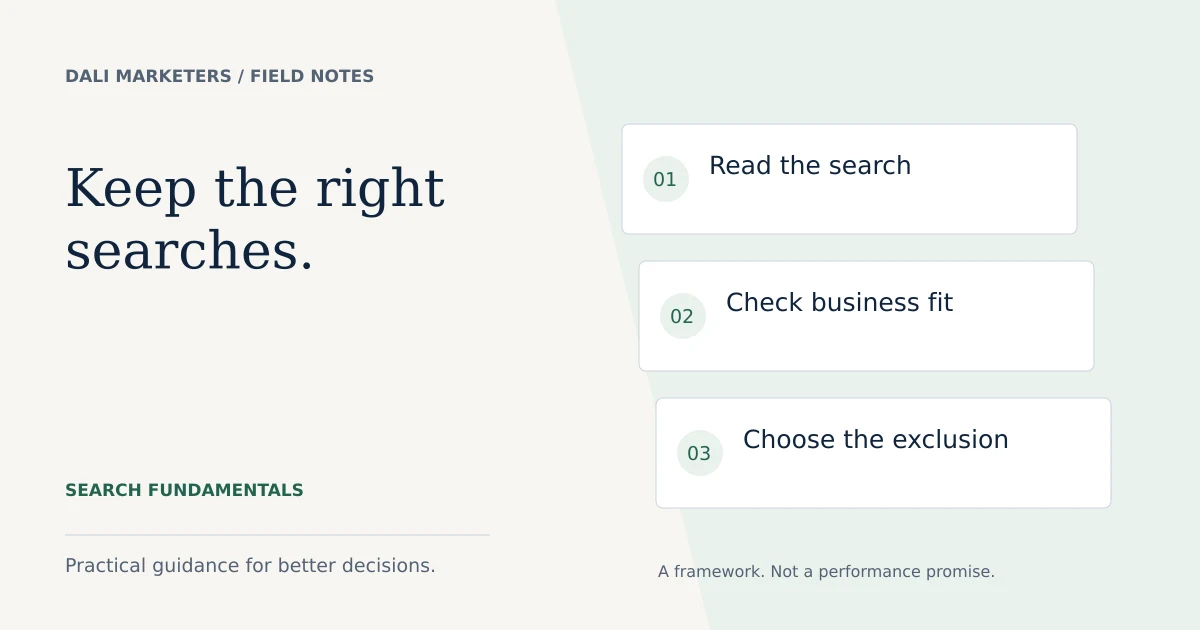
The quick answer
Use negative keywords to exclude clearly unsuitable searches. Choose the match type and level deliberately, and check that useful searches remain eligible.
Start with the reason a search is unsuitable
Negative keywords help prevent a Search ad from appearing for searches you choose to exclude. They are useful when a word or phrase points to a different service, audience or buying need.
Imagine a business providing office cleaning. A search for “office cleaning quote” may be suitable, while “office cleaning jobs” may come from someone seeking employment. The reason for exclusion is the mismatch in intent, not simply that the term has not converted yet.
Before adding a negative, write down what you want to block and what you still want to allow. That small step prevents many accidental exclusions.
Understand broad, phrase and exact negatives
Negative match types behave differently from positive keyword matching. For Search, a negative broad match with multiple words can block a search containing all those words in any order. Phrase requires the words in the same order, while exact applies to the matching search without additional words.
| Negative type | Example blocked | Example not blocked by this rule alone |
|---|---|---|
| Broad: office cleaning | cleaning an office | office cleaners |
| Phrase: “office cleaning” | office cleaning jobs | cleaning an office |
| Exact: [office cleaning] | office cleaning | office cleaning quote |
These examples explain matching, not recommended exclusions for a cleaning business. Other targeting and exclusions still determine whether an ad can appear.
Do not assume synonyms and plurals are covered
Google’s current guidance says negative keywords do not expand to synonyms or singular and plural forms in the way advertisers may expect from positive matching. It also says casing and misspellings are handled automatically. Check the current documentation linked below when implementing a list, since platform behaviour can change.
Review the actual searches rather than attempting to predict every variation. A large list is not automatically a good list. Its quality depends on whether it excludes unsuitable demand without restricting the customers you want.
Choose the right scope
An exclusion useful for one service may be damaging for another. A business might sell training as well as done-for-you services, so “training” should not necessarily be blocked across the whole account.
Use the narrowest sensible level for service-specific exclusions. Reserve broader lists for terms that are unsuitable across the campaigns receiving them. Review which campaigns a shared list affects before applying it.
The guidance in this article focuses on Search. Display, Video and Performance Max have different controls and behaviour, so do not copy every Search assumption into another campaign type.
Build a repeatable search-term review
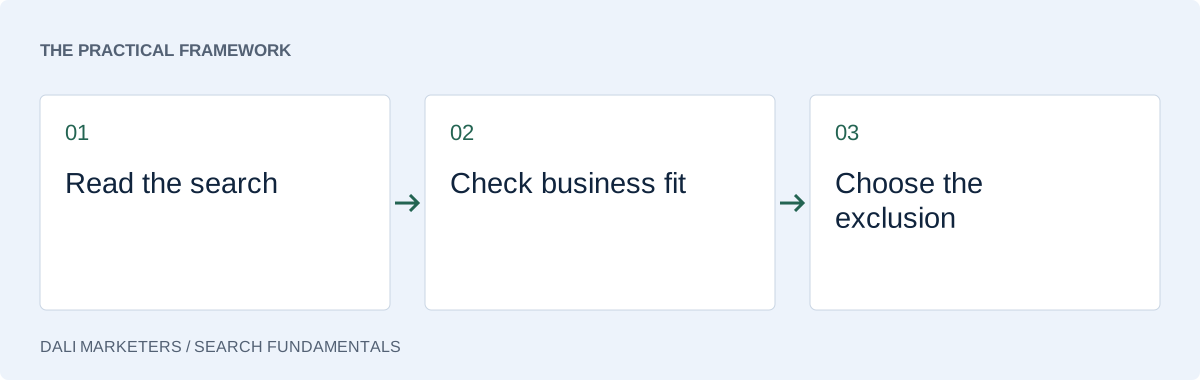
Start with the available search terms report. Group queries by intent and annotate why each category matters. Some terms will be clearly unsuitable; others deserve more data or a different landing page.
- Identify the service or question behind the query.
- Compare it with what the business actually offers.
- Check meaningful conversion and lead-quality information.
- Choose a negative only when the mismatch is clear.
- Record its level, match type and reason.
- Review subsequent traffic and enquiry quality.
Do not promise that the report exposes every search. Treat available data as evidence with limits, and combine it with customer feedback.
Avoid the generic-list trap
Words such as “free”, “cheap”, “review” and “cost” need context. If you offer a free initial consultation, “free consultation” could be relevant. A buyer researching cost may be closer to purchasing than someone using a broad service term.
Likewise, a competitor name does not automatically mean the search is useless. Decide whether that intent belongs in your strategy, then assess the economics and applicable advertising rules. A blanket list cannot make that decision for you.
When inheriting an account, inspect old exclusions before adding more. The quickest improvement may be removing an accidental conflict.
Judge the result by suitable enquiries
After changing negatives, review relevant traffic and qualified outcomes. Fewer clicks can be a good sign when they reflect removed mismatches, but reduced volume alone does not establish improvement.
If irrelevant searches continue, inspect the offer, targeting and conversion goals as well. Negative keywords are one part of account management. For a broader review, follow the audit checklist or explore our Google Ads management service.
If your campaigns attract enquiries that rarely fit your business, read the lead quality guide before expanding the list further.
Sources & further reading
Platform details checked against these Google resources on 23 September 2026. Examples and diagnostic frameworks are explanatory; account results will vary.